Customer service
WhatsApp, email and your website chat in one inbox
The whole team replies from one inbox, and every conversation shows the customer's open deals and unpaid invoices beside it. No more asking for the invoice number.
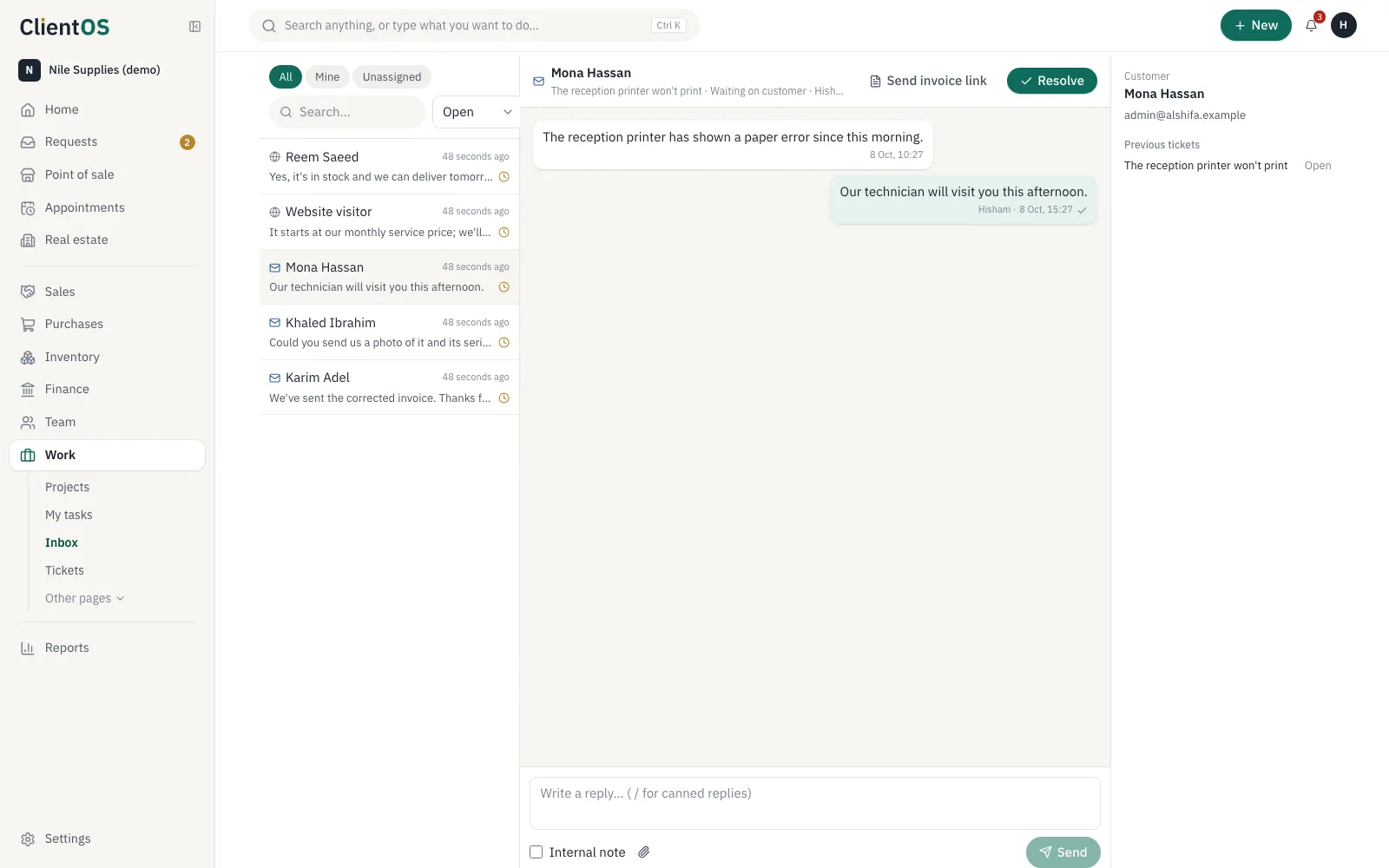
Every channel in one place
Connect your company's WhatsApp Business number, your support email and your website chat. Messages arrive within seconds.
- WhatsApp through Meta's official WhatsApp Cloud API
- Approved WhatsApp templates once 24 hours have passed
- An out-of-hours auto-reply, sent once
The team on the same page
Assign conversations, leave internal notes the customer never sees, and insert saved replies with a shortcut.
- Mine, unassigned and all
- Tickets for issues that need follow-up
- Send the invoice link from the same conversation
- A chat from someone new becomes a lead in Sales
In half a minute
Questions
What do I need to connect WhatsApp?
A WhatsApp Business account on Meta's platform and a number for the company. Enter the connection details in customer service settings and messages start arriving.
Do WhatsApp messages cost extra?
Customer-started conversations follow Meta's free allowance; template messages your company starts are charged at Meta's rates.
Set your company up in a day
Create the workspace, import your customers from Excel and invite your team. If you'd like help setting up, we're here.
Every app is open during the trial. No card needed.