Projects
Who's on what, for how many hours, billed how
Projects with their tasks on a board, timesheets a manager approves, and billable hours that become an invoice. For contractors: a bill of quantities and progress claims with retention and advance recovery.
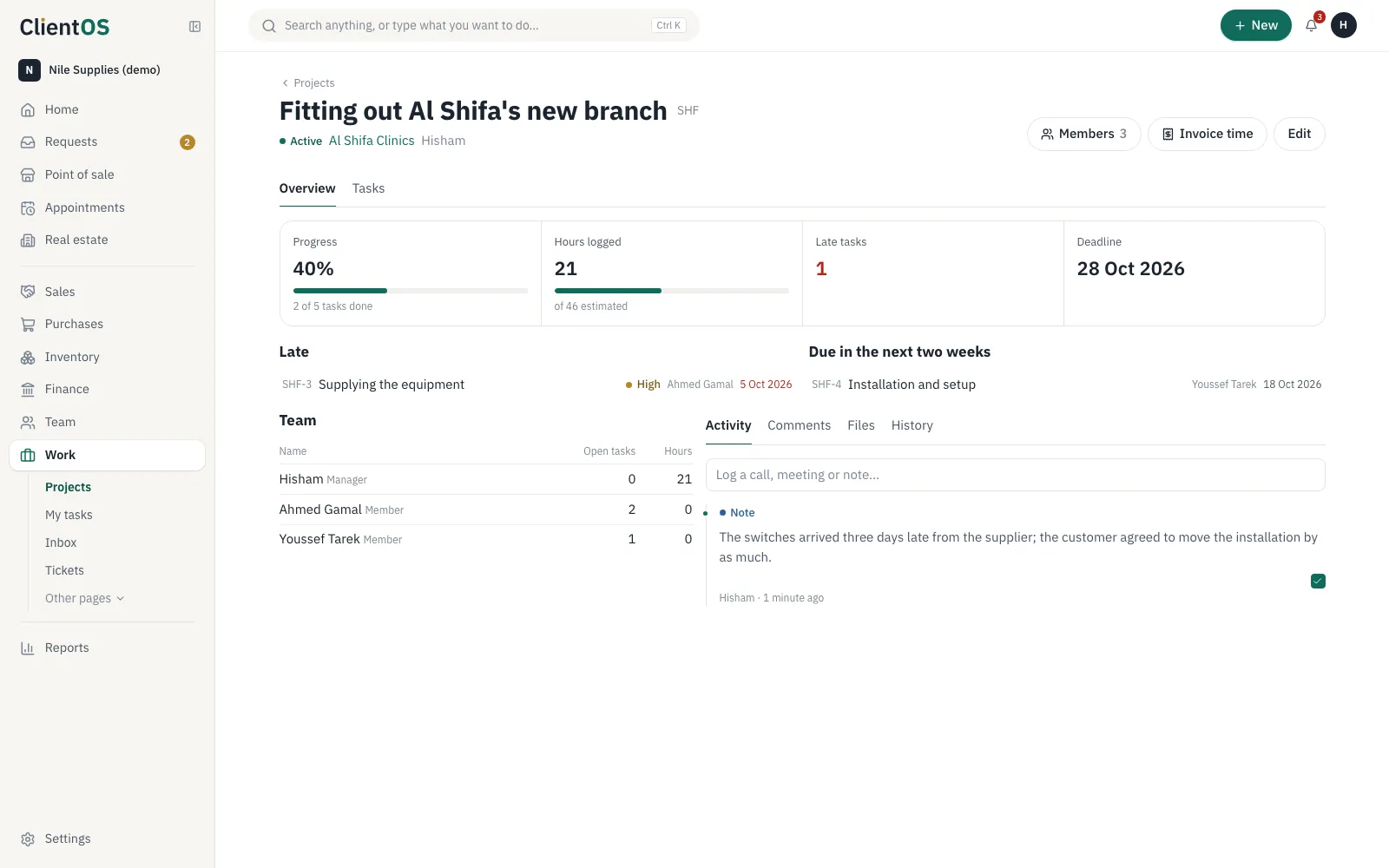
Tasks and hours where they belong
Every project has its task board and members, and everyone has My tasks, sorted by overdue and this week.
- The project page: progress, hours against the estimate, what's late and due soon, and the team
- A task list you filter by status, person, priority and date, where you choose several tasks and assign, move, re-prioritise, re-date or delete them together
- Reminders to the assignee the day before a task is due, on the day, and when it's overdue; the project manager hears about overdue ones
- Weekly timesheets a manager approves
- Bill the billable hours to the customer
- Project templates for recurring work
Contractors' progress claims
A bill of quantities by item, claims as cumulative quantities minus the previous claim, with retention and advance recovery worked out.
- A retention percentage released at handover
- Advance payment recovered from each claim
- Each claim becomes a tax invoice
Works with
Projects isn't an island. This is what moves between it and the other apps by itself.
- InvoicingInvoices for hours and claims
- Requests & approvalsTimesheet approvals
In half a minute
Questions
Can the customer see the project?
Not today. The customer receives invoices and claims by link; the project is for your team.
Set your company up in a day
Create the workspace, import your customers from Excel and invite your team. If you'd like help setting up, we're here.
Every app is open during the trial. No card needed.